How does Realcaller check a call?
It checks the number against what is already on your phone first, and only asks its server if the phone has no answer. Then it posts a notification card that says what it found and why.
What happens when a call comes in?
Realcaller works down a fixed list and stops at the first answer. The earlier a step answers, the less leaves your phone.
Your contacts, if you allow it
If the caller is a saved contact, the call passes with no card. This only works if you allowed contacts access. Nothing is sent.
Your blocklist
If you put the number on your own blocklist, the call is blocked and you get a card that says so. This is matched on the phone. Nothing is sent.
Your allowed list
If you tapped “Not spam” on this number before, it is on your allowed list. It is not checked and never blocked. Nothing is sent.
The phone’s memory
The phone remembers its last 500 or so answers for 15 minutes. If the number is there, the answer comes from memory. Nothing is sent.
The list on your phone
Next, the offline list your phone downloads every day: up to 10,000 numbers for your region. Nothing is sent.
A live lookup, as the last step
Only now does the phone ask the server. It sends the caller’s number and your SIM’s country over HTTPS, with no device ID. The app waits at most about half a second.
Automatic checks need Android 10 or newer, with Realcaller chosen as your caller ID and spam app. The app installs on Android 9, and number search works there too.
What do you see on your phone?
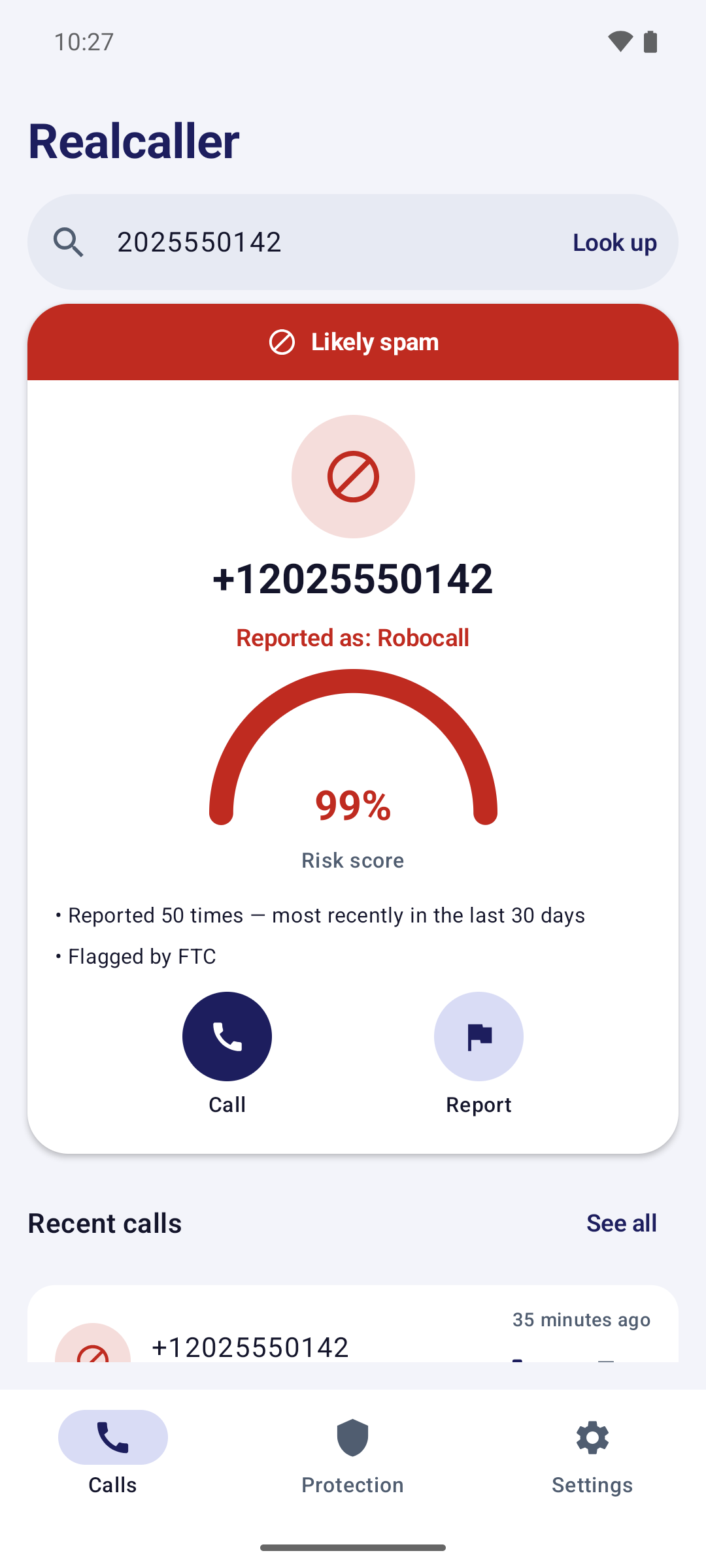
A notification card for each screened call. The words carry the verdict, and the first line says why.
- Known spam or suspicious
- The card names the kind of call when the data has a label, like “Robocall”, and gives the first reason, like “Flagged by FTC”.
- Low risk
- A number with no reports shows as low risk and says it is a new number. That means nothing is known, not that it is safe.
- Not checked
- If no answer came back in time, the card says so instead of guessing.
- Your own lists
- Blocked by you and Allowed by you each get a card too, so nothing disappears silently.
- Saved contacts
- No card, on purpose, when contacts access is allowed.
Cards are Android notifications, so they need notifications turned on. With them off, screening still runs but you will not see the results.
How a number gets flaggedWhat can you do from a card?
Three buttons, and they do different things. Only Report files a report.
- Report
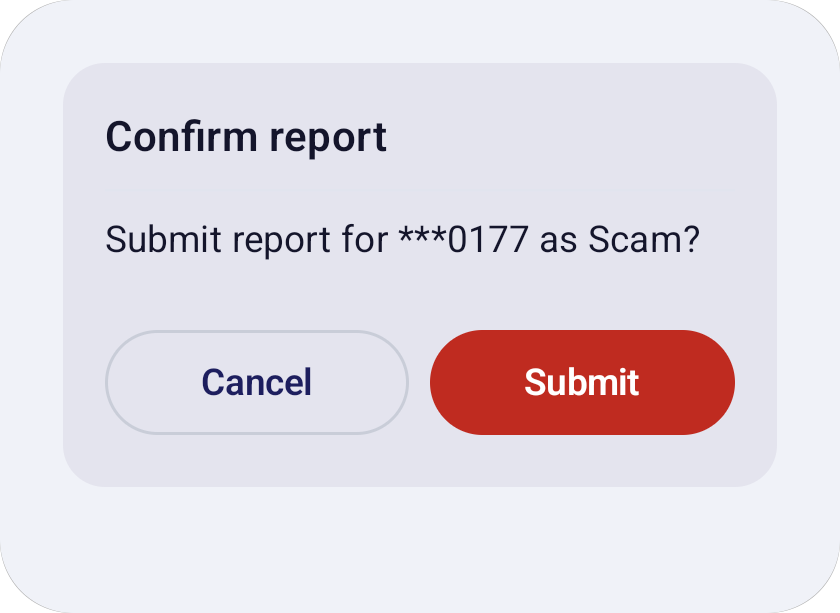
- Opens the two-step report: pick the kind of call, then confirm. It sends the number, the category and a random device ID. A report counts on live lookups right away. One per number per day from each phone, up to 10 a day.
- Spam
- Sends feedback only: the number, the random device ID, the time of the call and the verdict you saw. It does not file a report and does not block the number.
- Not spam
- Sends the same feedback and also adds the number to your allowed list. From then on it skips the lookup, is never blocked, and shows “Allowed by you”. Remove it any time in Settings.
Which buttons show depends on the card. Known spam and suspicious cards have all three. Low risk and not checked cards have Report and Spam. Allowed cards have Report. Blocked by you cards have none.
More about reporting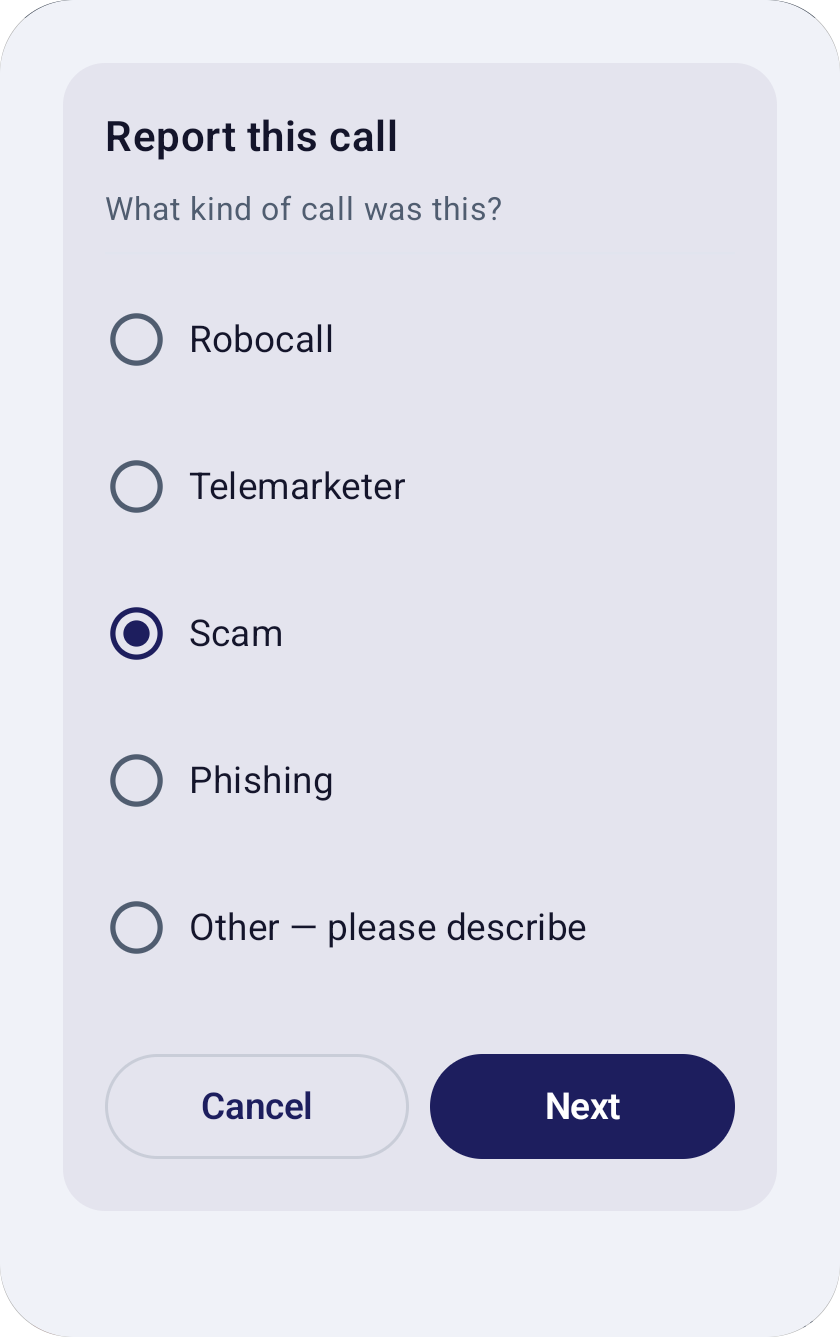
What happens in the background?
Three things run without you: the daily list, a weekly summary and a home-screen widget.
A daily offline list
Once a day the phone downloads the list for your region, up to 10,000 numbers, plus small updates. It uses any network unless you choose Wi-Fi only. Entries not refreshed for 30 days are removed.
A weekly summary
Once a week a notification says how many calls were screened, how many spam were caught and how many were blocked. Counts only, no numbers, and skipped if there were no calls.
A home-screen widget
The optional widget shows the same three counts for the last 7 days. It refreshes about every 6 hours, so it is not live.
How do you set it up?
Three steps, and only the first two are needed. Realcaller is not on Google Play yet, so there is nothing to install from the public yet.
Open Realcaller and follow the welcome pages
There are three short pages: a welcome, turning on protection, and two optional permissions.
Choose Realcaller as your caller ID and spam app
Android asks you once. This is what lets the app check calls, and it needs Android 10 or newer.
Allow notifications, and contacts if you like
Notifications are where the cards appear. Contacts are optional: with them, your contacts’ calls pass without a card, and their names show in the app.

Join the waitlist
Realcaller is in development and not on Google Play yet. Leave your email and country, and we will use them only for the waitlist.